

How to Choose the Right RCA Cable for Audio and Video Devices
RCA cables remain a staple in connecting audio and video devices, offering reliable analog transmission for decades. Despite the rise of HDMI, optical, and wireless connections, RCA cables are still widely used for home theaters, gaming consoles, audio systems, and professional setups. Choosing the right RCA cable can significantly impact your audio-visual experience, so understanding the key factors is essential.
A Brief History of RCA Cables
RCA cables, also known as phono connectors, were first introduced by the Radio Corporation of America in the 1940s. Originally designed for connecting phonographs to amplifiers, RCA cables quickly became the standard for analog audio and video connections. Over the years, they have evolved from simple audio connections to supporting composite and component video, making them versatile for many modern devices. Understanding this history helps explain why RCA cables remain relevant even in an era dominated by digital connections.
Understanding RCA Cables
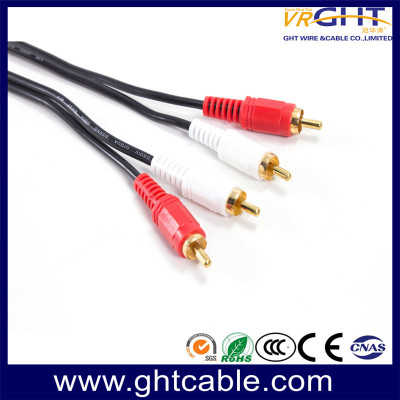
RCA cables consist of three primary components: the red plug for the right audio channel, the white or black plug for the left audio channel, and the yellow plug for composite video. Some cables may also support component video (green, blue, and red), providing improved video quality over composite connections.
Key Types of RCA Cables
Standard RCA Cables
Standard cables are the most common type, suitable for connecting TVs, DVD players, and older audio devices. They provide basic analog audio and video transmission, making them ideal for casual home use.
High-Quality RCA Cables
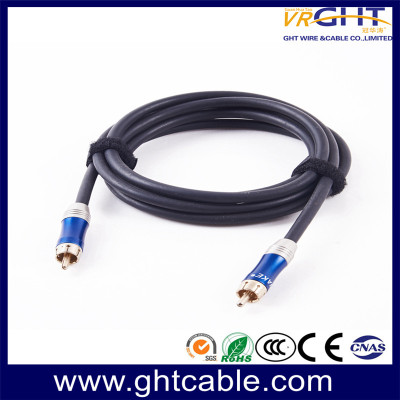
Premium RCA cables feature better shielding, gold-plated connectors, and higher-quality copper conductors. These improvements minimize interference and signal loss, making them ideal for high-fidelity audio systems and professional setups.
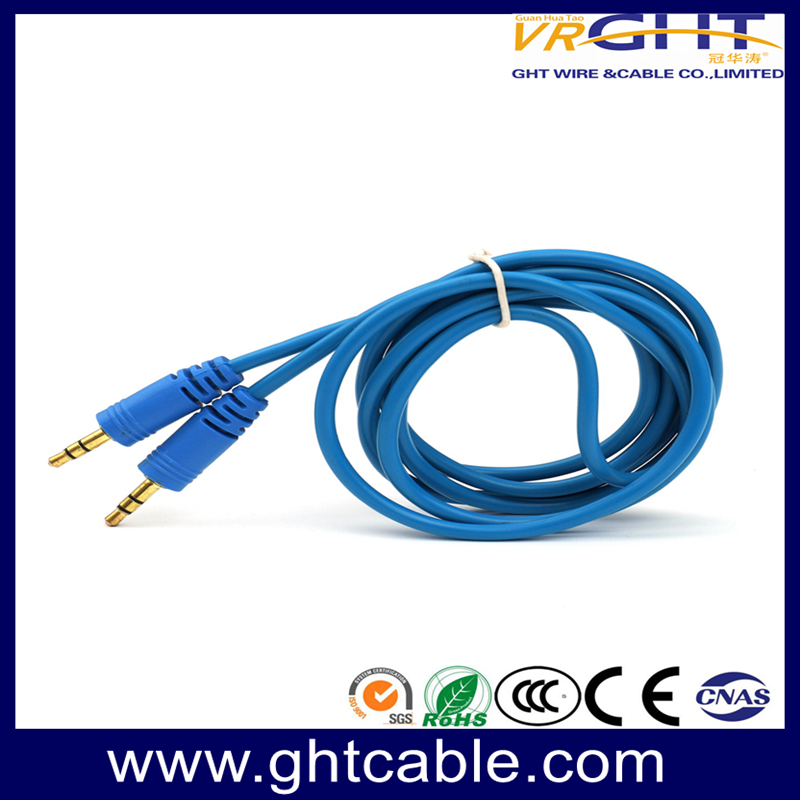
RCA to 3.5mm Cables
For devices like smartphones, tablets, or computers, RCA to 3.5mm cables are useful. They allow easy connection between devices with headphone jacks and traditional audio systems.
Component RCA Cables
These cables separate video signals into three components (Y, Pb, Pr), delivering superior video quality for HD TVs or projectors. They are often paired with high-quality audio RCA cables for a complete setup.
RCA Cable vs Other Connection Types
While RCA cables are widely used, it's important to understand how they compare with other connection types:
RCA vs HDMI – HDMI supports high-definition digital audio and video in a single cable, while RCA transmits analog signals. For legacy devices or analog-only setups, RCA remains essential.
RCA vs Optical (TOSLINK) – Optical cables carry digital audio signals, offering zero interference but no video support. RCA is simpler for combined audio-video setups.
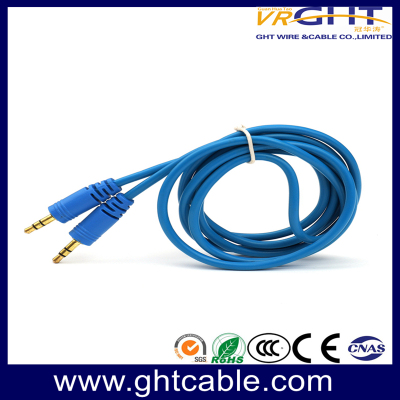
RCA vs 3.5mm Jack – 3.5mm jacks are common in portable devices, but RCA cables provide more stable connections for home audio systems.
Understanding these differences helps you choose the right cable for your specific devices and setup.
Factors to Consider When Choosing an RCA Cable
1. Length of the Cable
Cable length affects signal quality. Longer RCA cables can experience signal degradation, especially for unshielded wires. For most home setups, a cable length of 3–6 feet is sufficient. For longer distances, investing in high-quality shielded cables is recommended.
2. Shielding Quality
Shielding prevents interference from electromagnetic and radio frequency sources, ensuring clear audio and video signals. Look for cables with multiple layers of shielding or braided copper to minimize noise, especially in environments with many electronic devices.
3. Connector Material
Gold-plated connectors are popular because they resist corrosion and maintain better conductivity over time. While not mandatory, gold-plated RCA plugs can offer more consistent signal transmission for premium audio and video systems.
4. Cable Gauge
The thickness of the wire, or gauge, affects signal transmission. Lower gauge numbers indicate thicker wires, which reduce resistance and signal loss. For audio systems, 18–24 AWG RCA cables are commonly used. For long video connections, thicker wires are preferable.
5. Brand Reputation
Choosing a trusted brand ensures quality and durability. VRGHT offers a wide range of RCA cables designed for high-fidelity audio, HD video, and professional setups. Their cables feature superior shielding, high-purity copper conductors, and gold-plated connectors, providing reliable performance for both home and commercial use.
Common Uses of RCA Cables
Home Audio Systems
RCA cables are widely used to connect amplifiers, receivers, and speakers. High-quality RCA cables ensure minimal audio interference, allowing audiophiles to experience clear, crisp sound.
Gaming Consoles
Older gaming consoles like PlayStation 2, Nintendo Wii, or original Xbox often rely on RCA connections. Choosing durable, well-shielded RCA cables ensures stable video and audio during gameplay.
TVs and Projectors
Connecting DVD players, Blu-ray players, or streaming devices to TVs or projectors often requires RCA cables. Component RCA cables offer the best video quality for HD setups.
Professional Audio Equipment
Recording studios and DJ setups frequently use RCA connections for mixers, turntables, and audio interfaces. Reliable RCA cables prevent signal loss and interference, crucial for professional sound quality.
Advanced Setup Tips
- Dual Device Connections – When connecting multiple devices to a receiver, label each RCA cable to avoid confusion and ensure correct channel mapping.
- Multi-Room Audio Systems – Use high-quality, shielded RCA cables to extend audio signals across rooms without signal degradation.
- Hybrid Systems – Combine RCA cables with digital connections (HDMI or optical) for setups that require both analog and digital signal paths.
Conclusion
Choosing the right RCA cable involves considering cable type, length, shielding, connectors, and brand reputation. By understanding these factors and investing in quality products like VRGHT RCA cables, you can enhance your audio and video experience, ensuring reliable connections and superior signal quality for all your devices. Whether you're setting up a home theater, connecting gaming consoles, or managing professional audio equipment, the right RCA cable makes a noticeable difference in performance and longevity.
Frequently Asked Questions (FAQs)
Q1: Can RCA cables transmit high-definition video?
A: Standard RCA (composite) cables are limited to standard definition, but component RCA cables can support HD video up to 1080p.
Q2: Does cable quality really affect sound and video?
A: Yes. Poorly shielded or thin cables can introduce noise, signal loss, and interference. Premium RCA cables like VRGHT minimize these issues.
Q3: Are RCA cables compatible with modern TVs?
A: Many modern TVs still include RCA inputs, especially for legacy devices. Adapters may also be used for TVs without RCA ports.
Q4: How do I maintain RCA cables for longevity?
A: Avoid sharp bends, keep cables away from power cords, clean connectors occasionally, and store them properly when not in use.


Leave a comment